
The ring
Turn to any book. See it take on color.
Turn the ring of books to the one you want and open it, then pick a chapter the same way. Each book you’ve read takes on color.
Complete Bibles in 25 languages, free on your iPhone. No ads, no account, no tracking.

The ring
Turn the ring of books to the one you want and open it, then pick a chapter the same way. Each book you’ve read takes on color.
Read
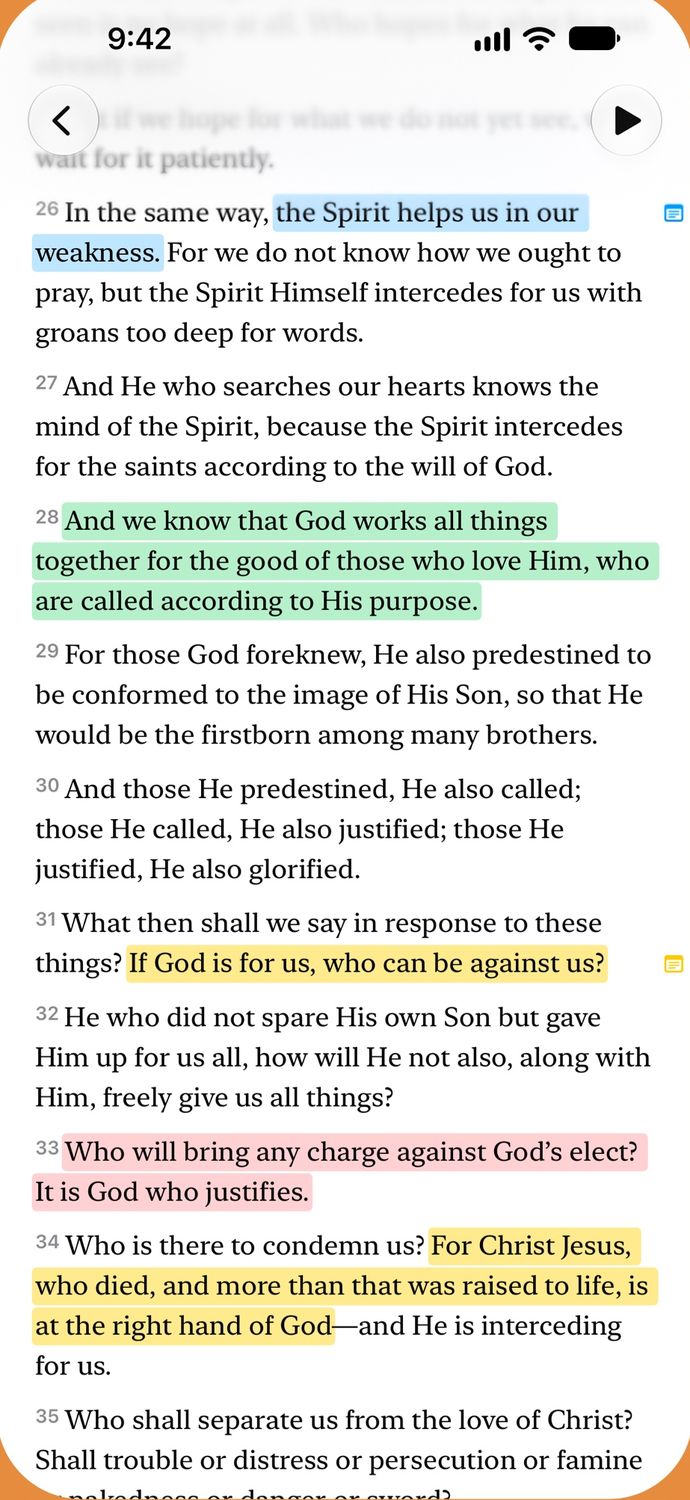
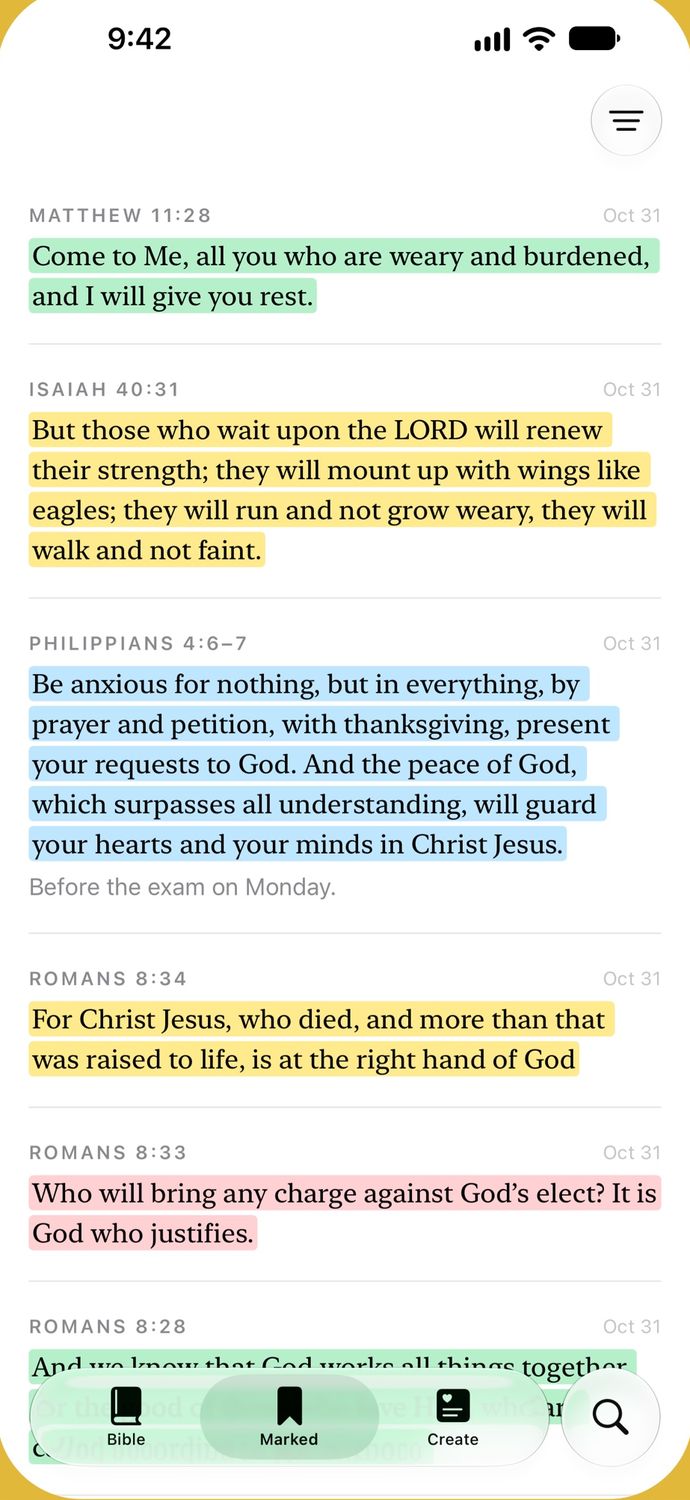
Swipe sideways to turn the chapters. Select words and pick a color, or write a note. All your marks and notes are on the Marked tab.
Search
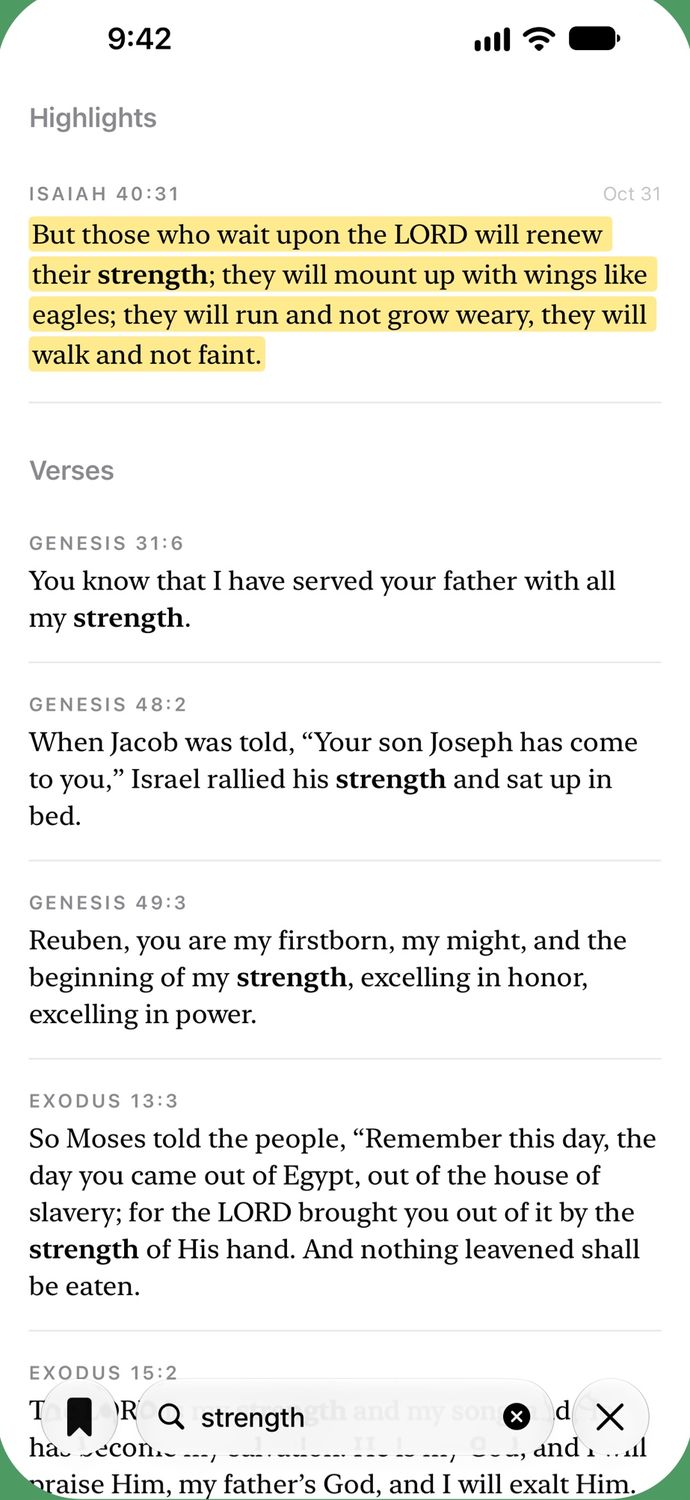
Search words, books and chapters in the Bible you’re reading.
Read aloud
Each verse lights up as it’s read, and it goes on with your screen locked.
Real voices read the English Berean Standard Bible (Bob Souer), the German Luther 1912, and Hindi, Bengali, Marathi, Telugu and Tamil. You download them in Settings. Every other Bible is read in your iPhone’s own voice.
Create
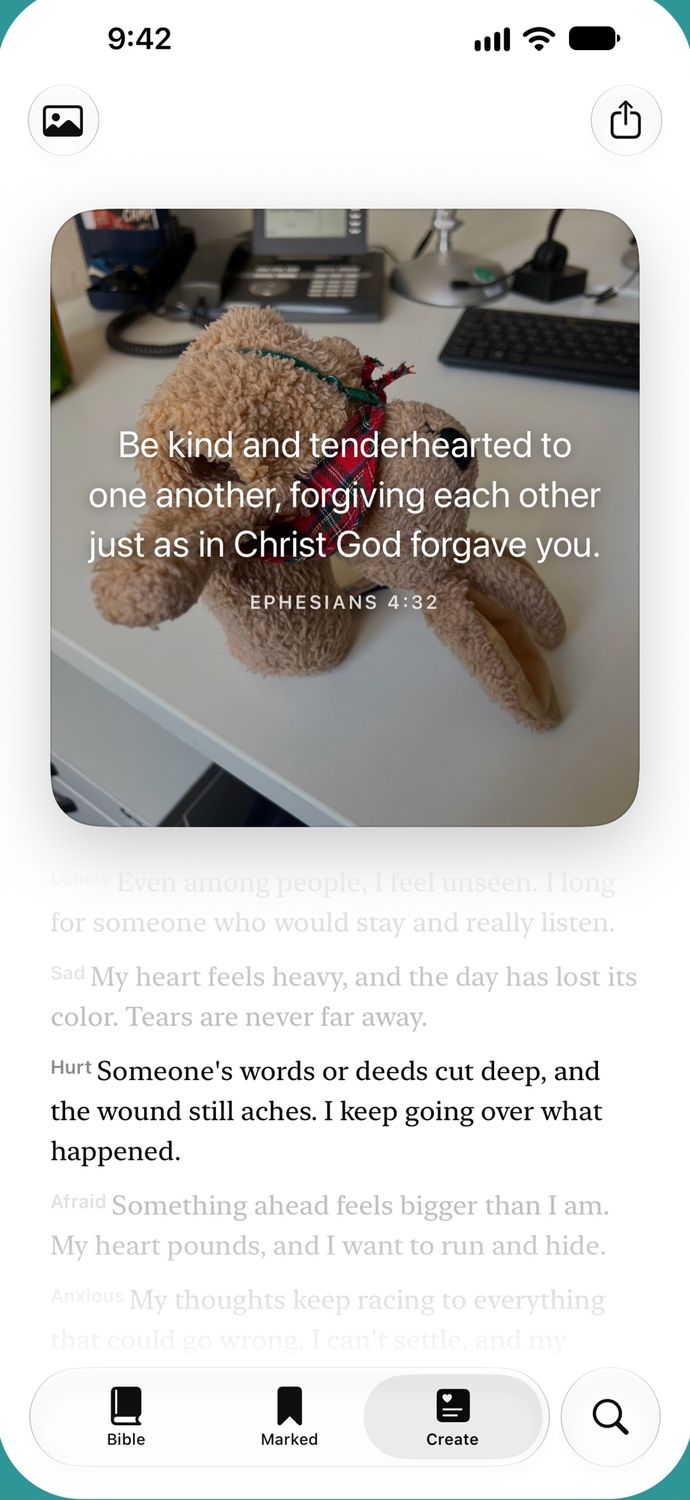
On the Create tab, turn the column to how you feel and get a verse for it, over your own photo if you like.
Widgets
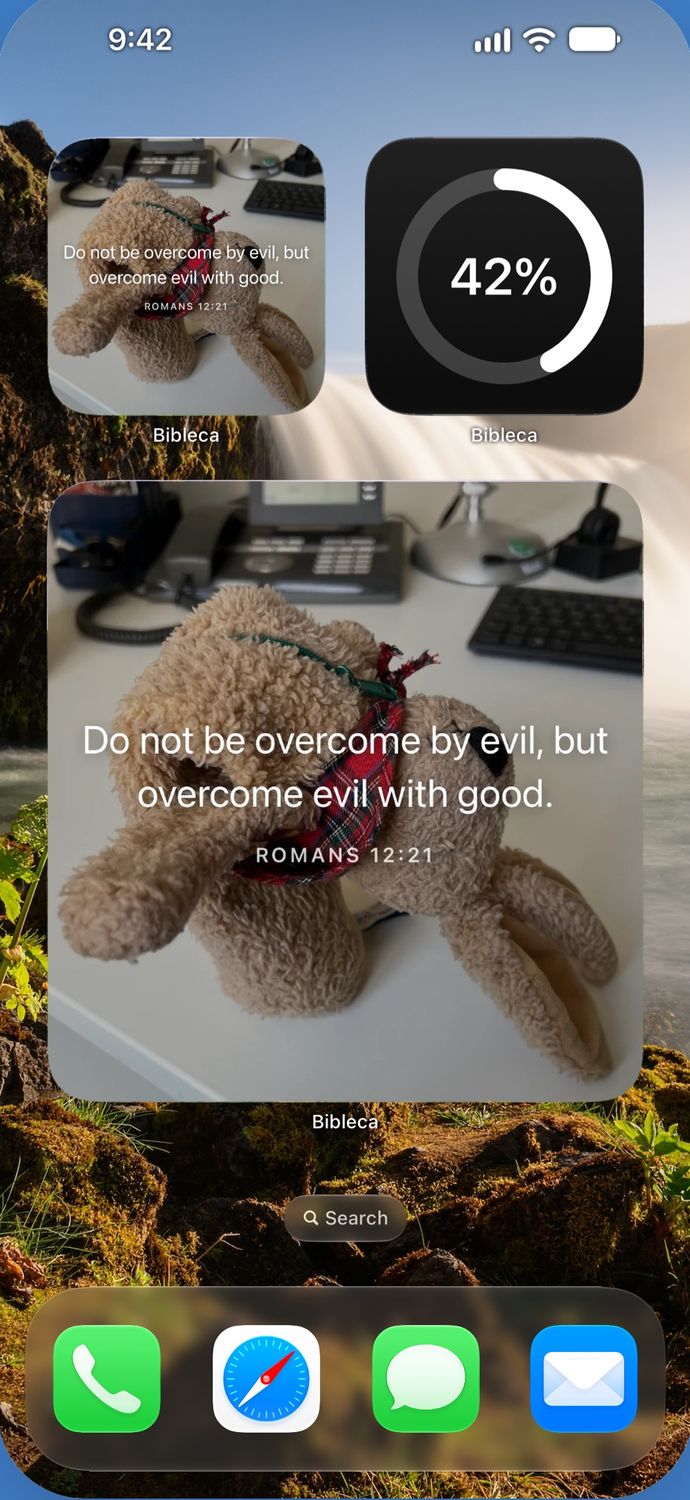
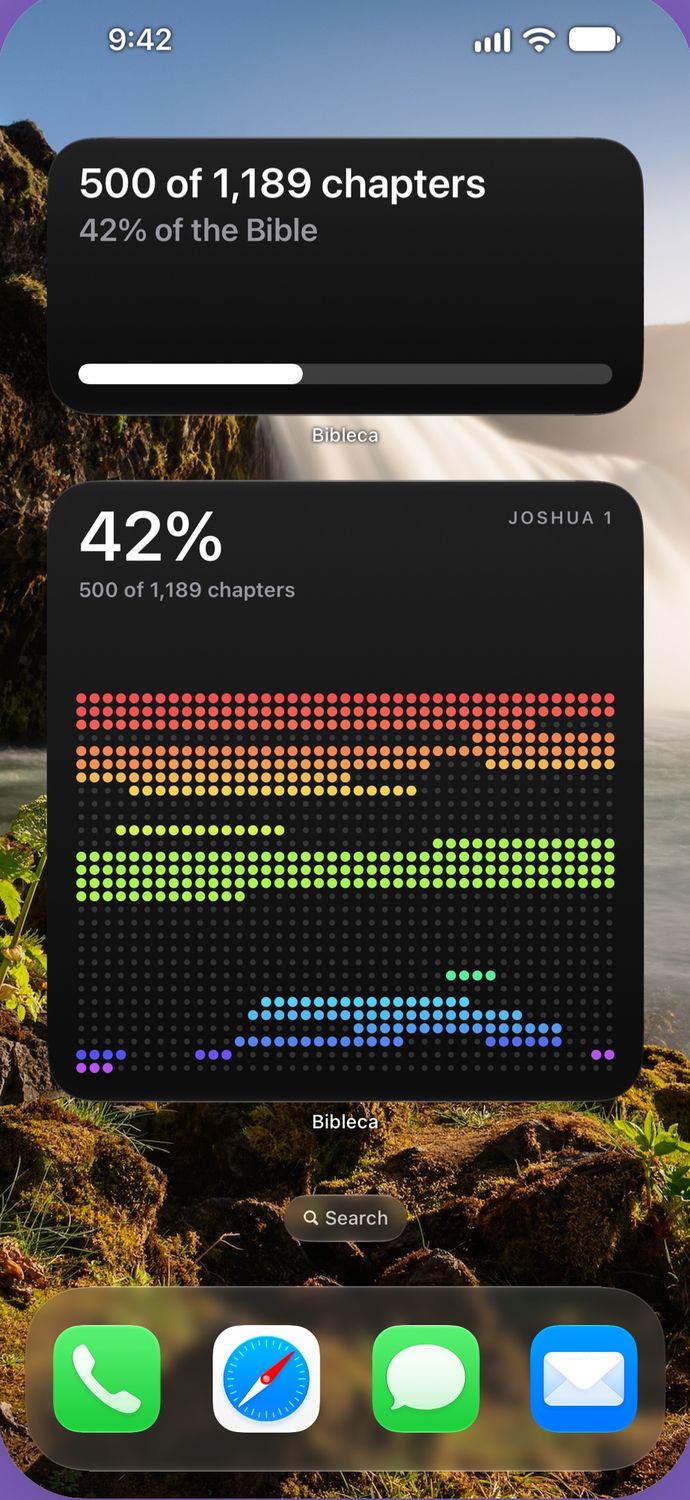
A daily verse and how far you’ve read, on your Home Screen and Lock Screen, in Clear and Tinted too.
Languages
Complete Bibles, all on your iPhone, so they work without a connection. And the app speaks your iPhone’s language.
Nothing to buy, nothing to unlock.
Nothing between you and the text.
Open it and read.
Your marks, notes and reading stay on your iPhone.
The simplest way to read the Bible.
Made by Johannes Koch, a designer in Germany.
Questions or ideas? Write to humans@bibleca.com.