
Press
Bibleca – The Bible
Simply read or listen. The simplest way to read the Bible.
- App Store
- apps.apple.com/app/id6828075873
- Price
- Free. No ads, no account, no tracking. Nothing to unlock.
- Made for
- iPhone
- Bibles
- Complete Bibles in 25 languages, all on the phone
- Made by
- Johannes Koch, a designer in Germany, on his own
- Contact
- humans@bibleca.com
In short
Bibleca is a free Bible app for iPhone. It carries complete Bibles in 25 widely spoken languages, all on the phone, so it works without a connection. You choose a book by turning a ring of cards, and each book you’ve read takes on colour. It reads aloud verse by verse, with the verse lit up as it’s read, and keeps a daily verse or your reading progress on your Home Screen or Lock Screen.
It has no ads, no account and no tracking, and collects nothing about its readers.
What it does
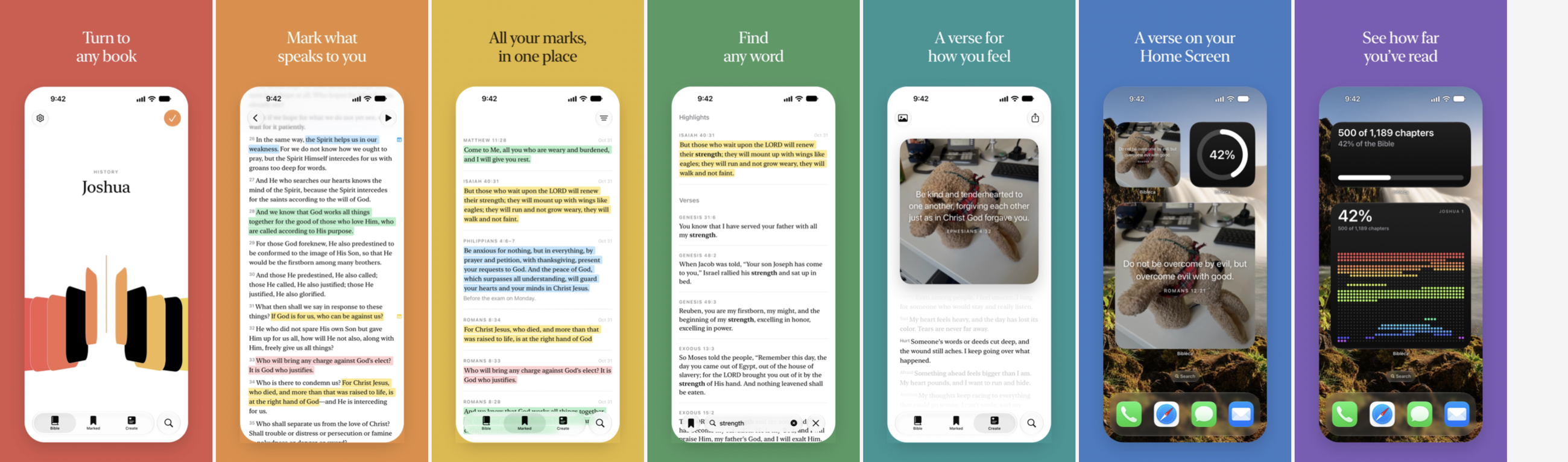
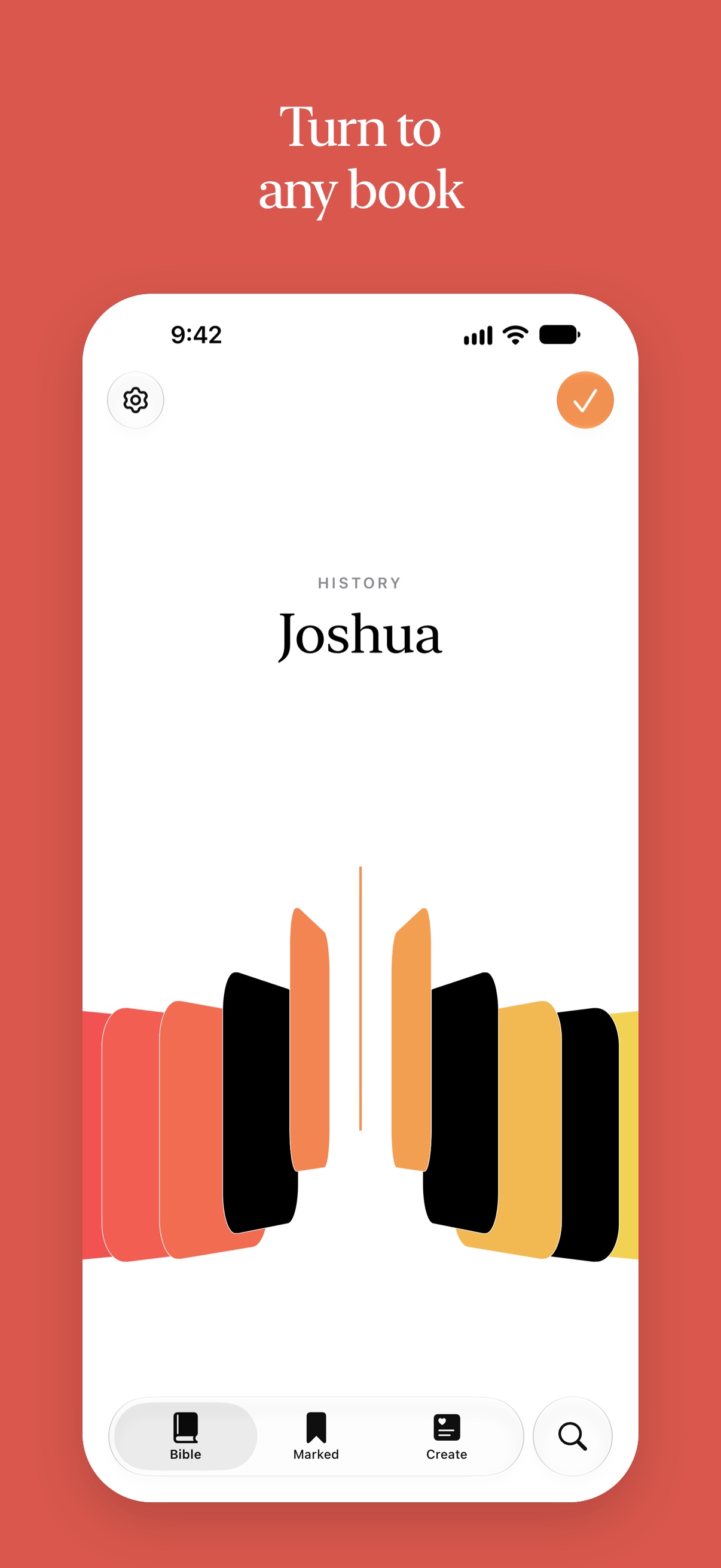
- Turn to any book. Turn the ring of books to the one you want and open it, then pick a chapter the same way. Each book you’ve read takes on colour.
- Read. Swipe sideways to turn chapters. The checkmark at a chapter’s end marks it read.
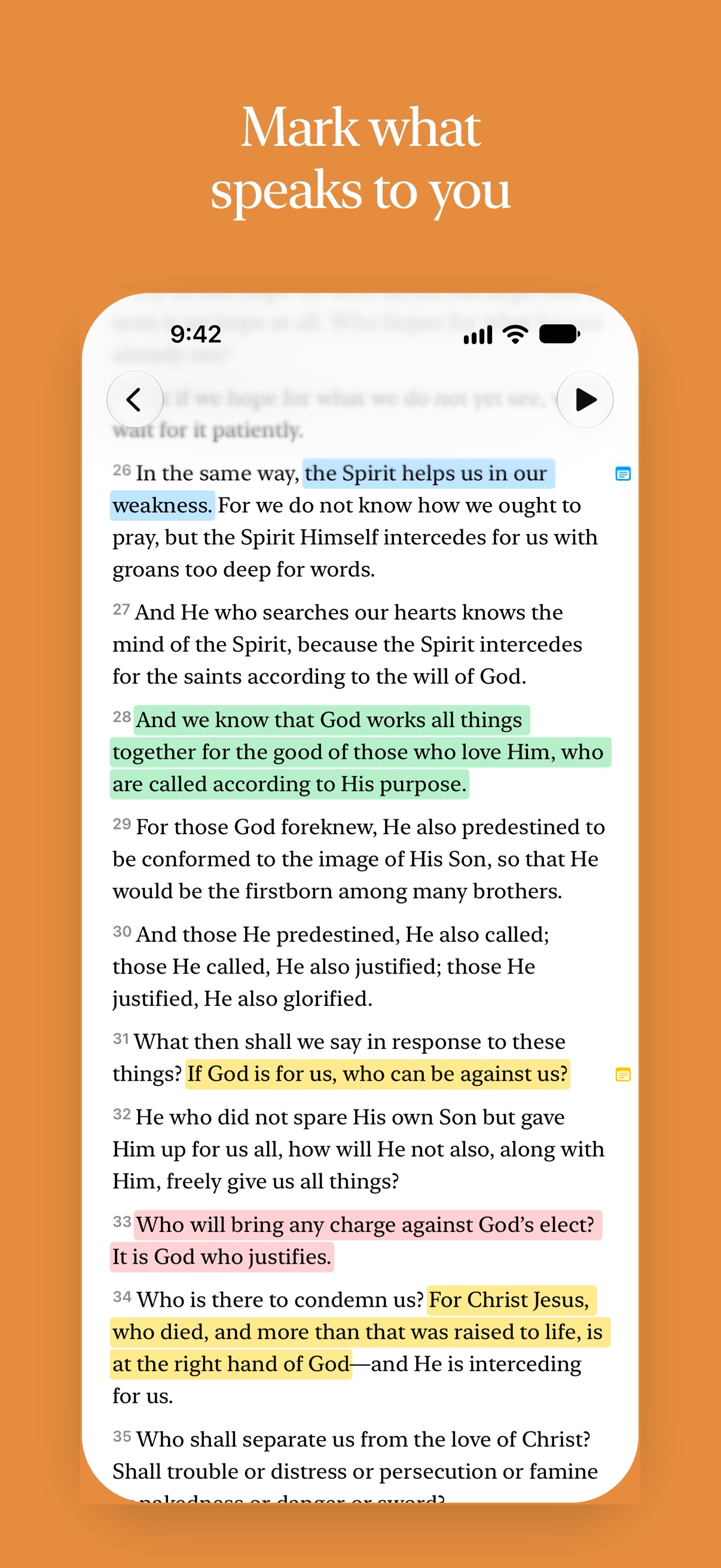
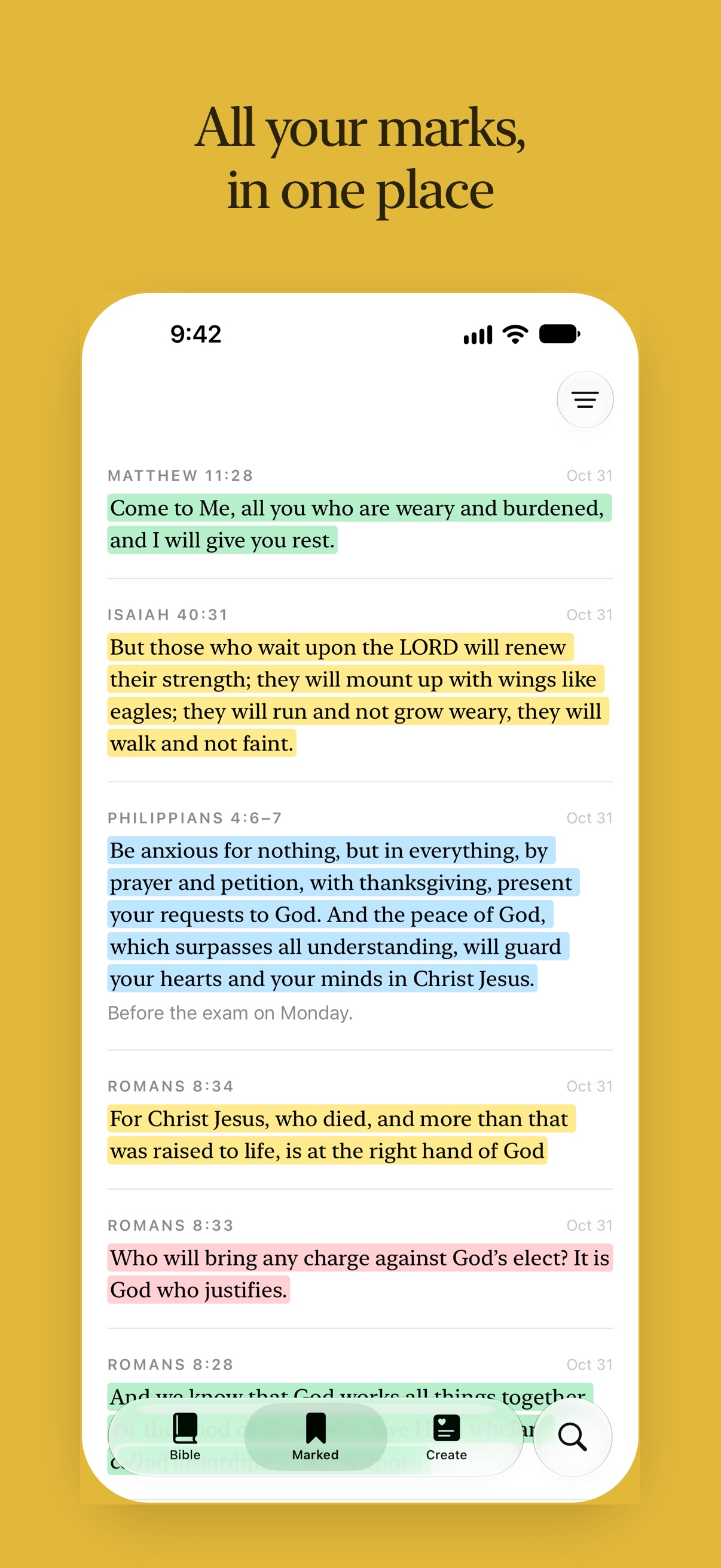
- Mark what speaks to you. Select words and pick a colour, or write a note. All your marks and notes are on the Marked tab.
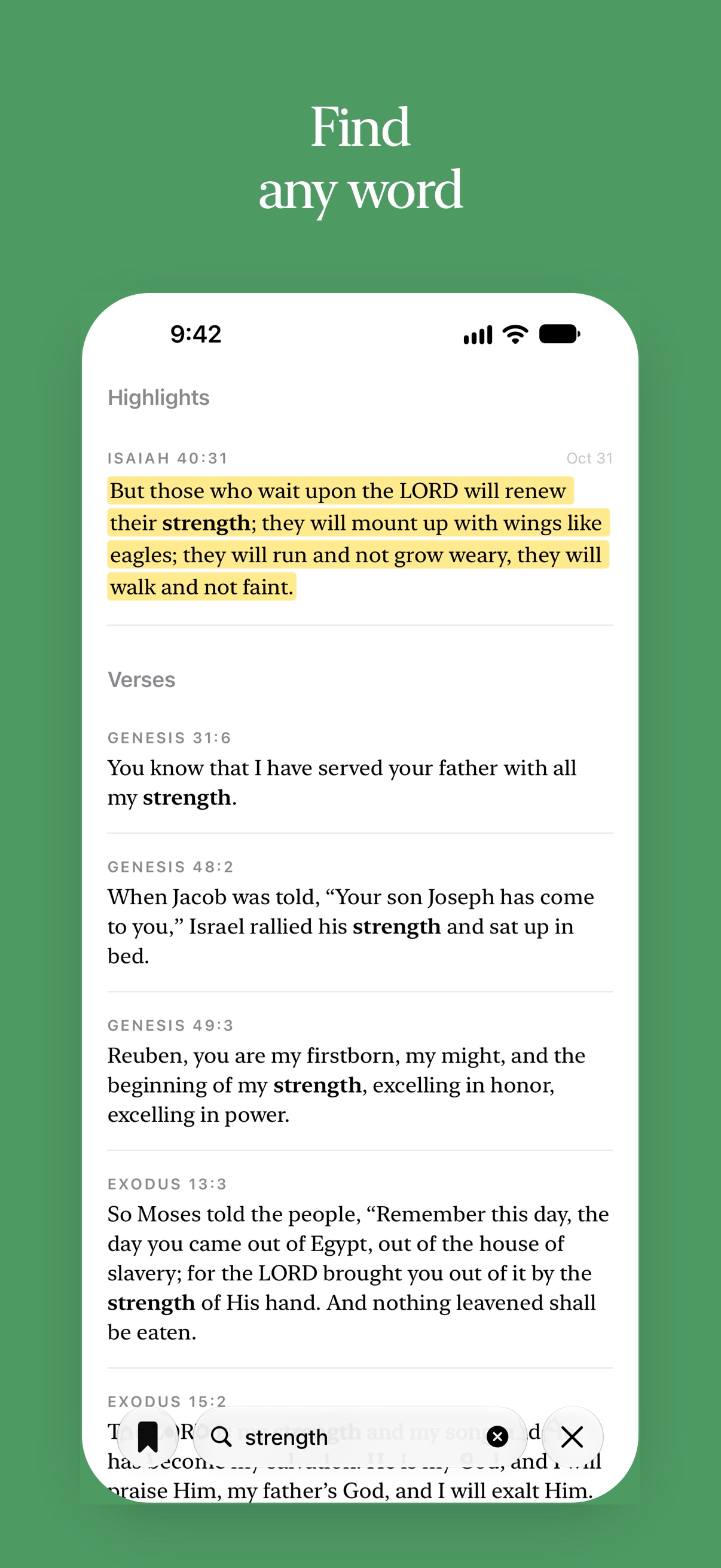
- Find any word. Search words, books and chapters in the Bible you’re reading.
- Listen. Read aloud, verse by verse, with the verse lit up. It goes on with the screen locked.
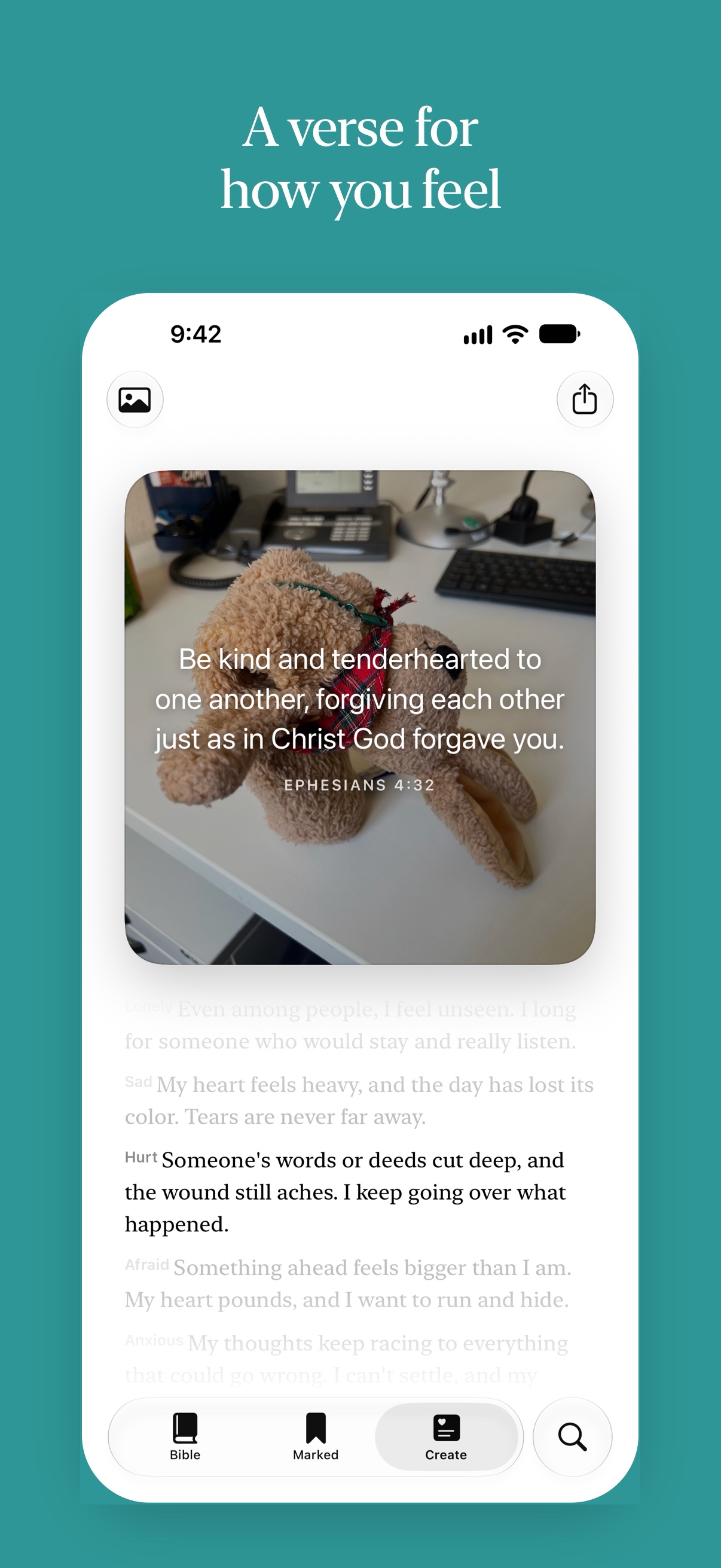
- A verse for how you feel. On the Create tab you pick how you feel from a column that works like an iOS picker, and get a verse for it, over your own photo if you like.
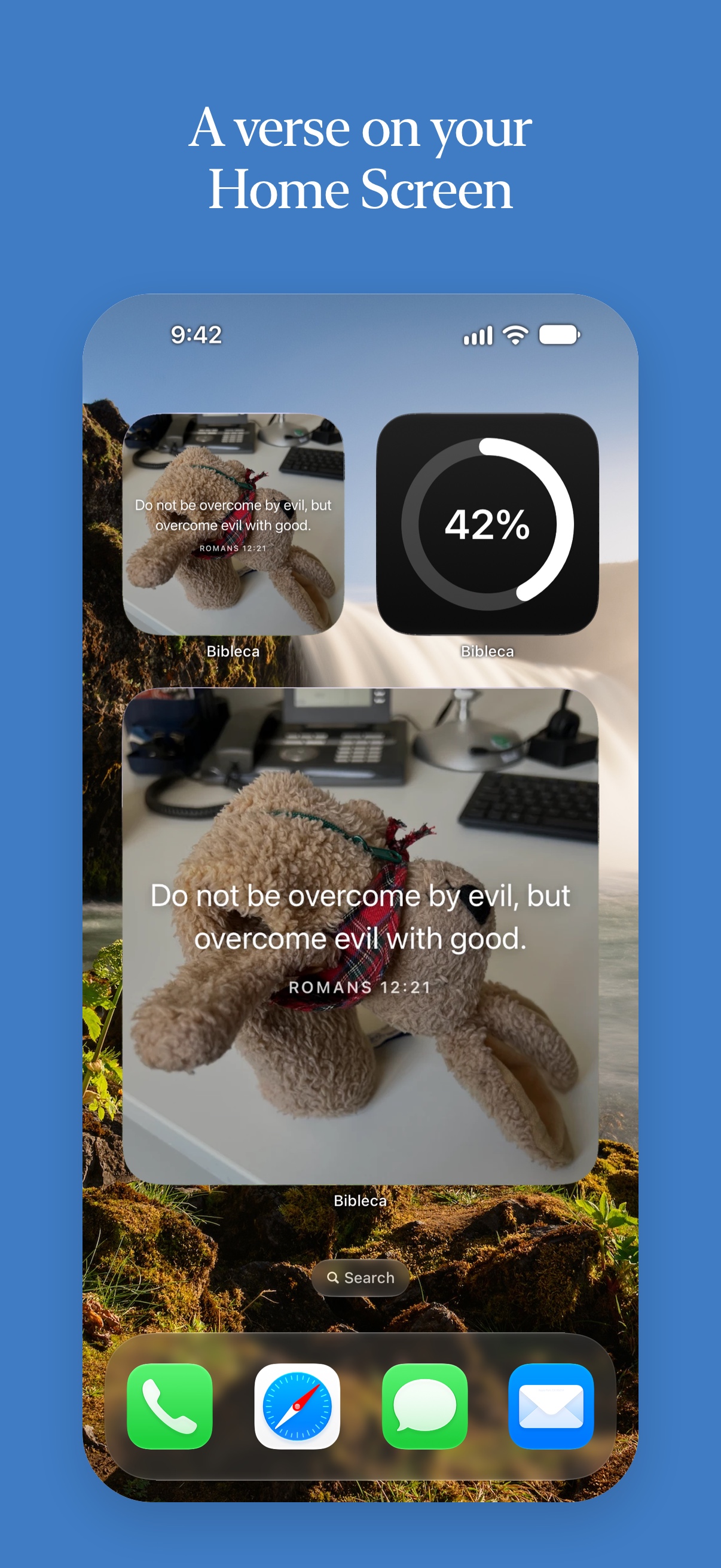
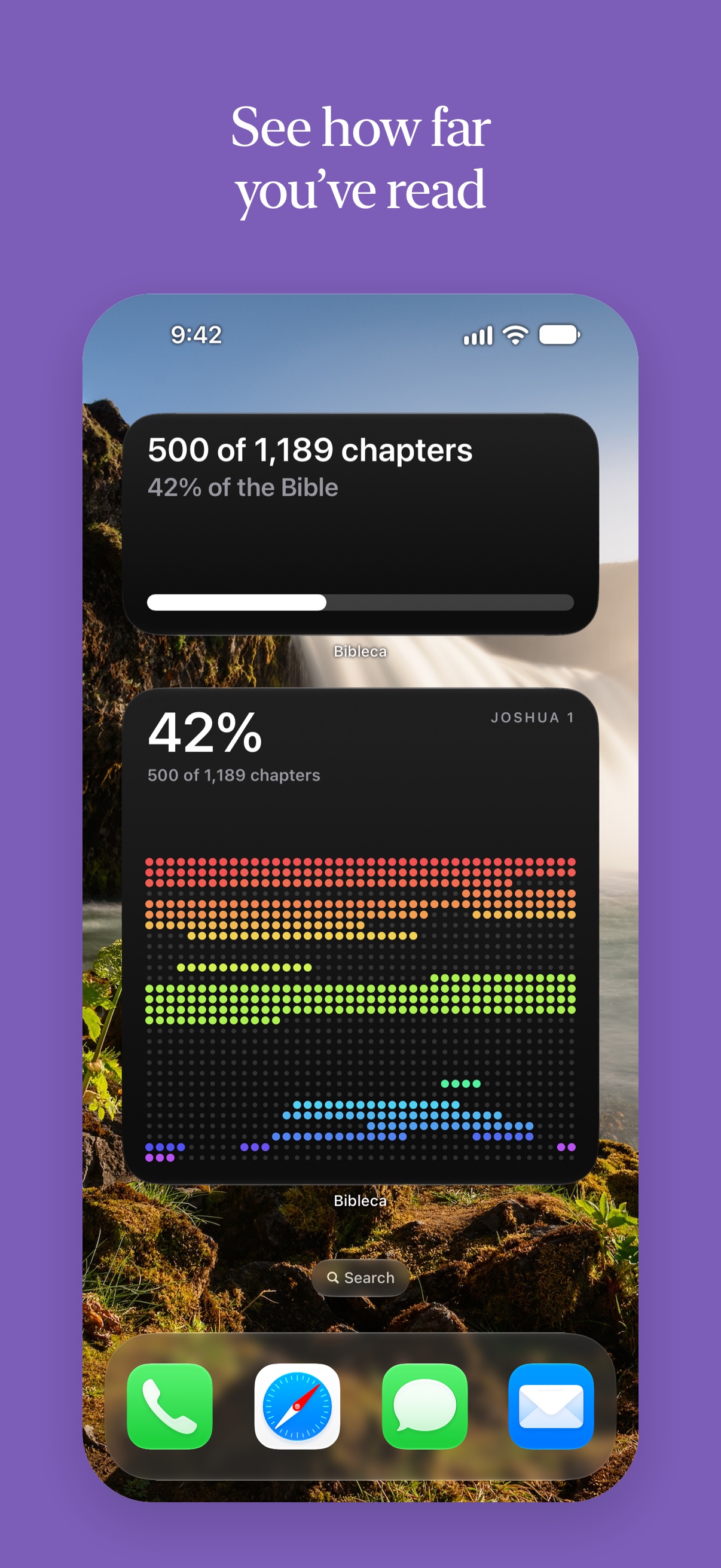
- Widgets. A daily verse and your reading progress on the Home Screen and Lock Screen, in Clear and Tinted too.
- Your language. The app follows your phone’s language, or the one you choose in Settings.
Read aloud
Human recordings of the English Berean Standard Bible (read by Bob Souer), the German Luther 1912 (Wordproject), and Hindi, Bengali, Marathi, Telugu and Tamil (Biblica and Davar Partners). You download them in Settings › Read Aloud. Every other Bible is read in the phone’s own voice.
The Bibles
Complete Bibles in 25 languages, from English and Spanish to Hindi, Tamil, Swahili, Persian and Tagalog. Among them: KJV, BSB, WEB, ASV, YLT, Darby and the Geneva Bible in English; Luther, Elberfelder and Schlachter in German; and others such as Reina-Valera, Almeida, Louis Segond and the Chinese Union Version.
Each text is in the public domain or under an open licence that allows free sharing. The texts are unchanged, and each one’s credit is shown in the app’s Settings.
Privacy
No account, no ads, no tracking. Marks and notes stay on your iPhone. The app talks to no server except Apple’s, and only when you ask it to download a recording.
Clips
Vertical, 1080 × 1920, H.264 MP4, no sound and no text.
Screenshots
The App Store screenshots, 1206 × 2622. Tap one for the full size, or get all of them in one picture.
App icon
Use
You’re welcome to use all of it to write about or show Bibleca. Questions, or need something else? Write to humans@bibleca.com.
